Organize files and folders
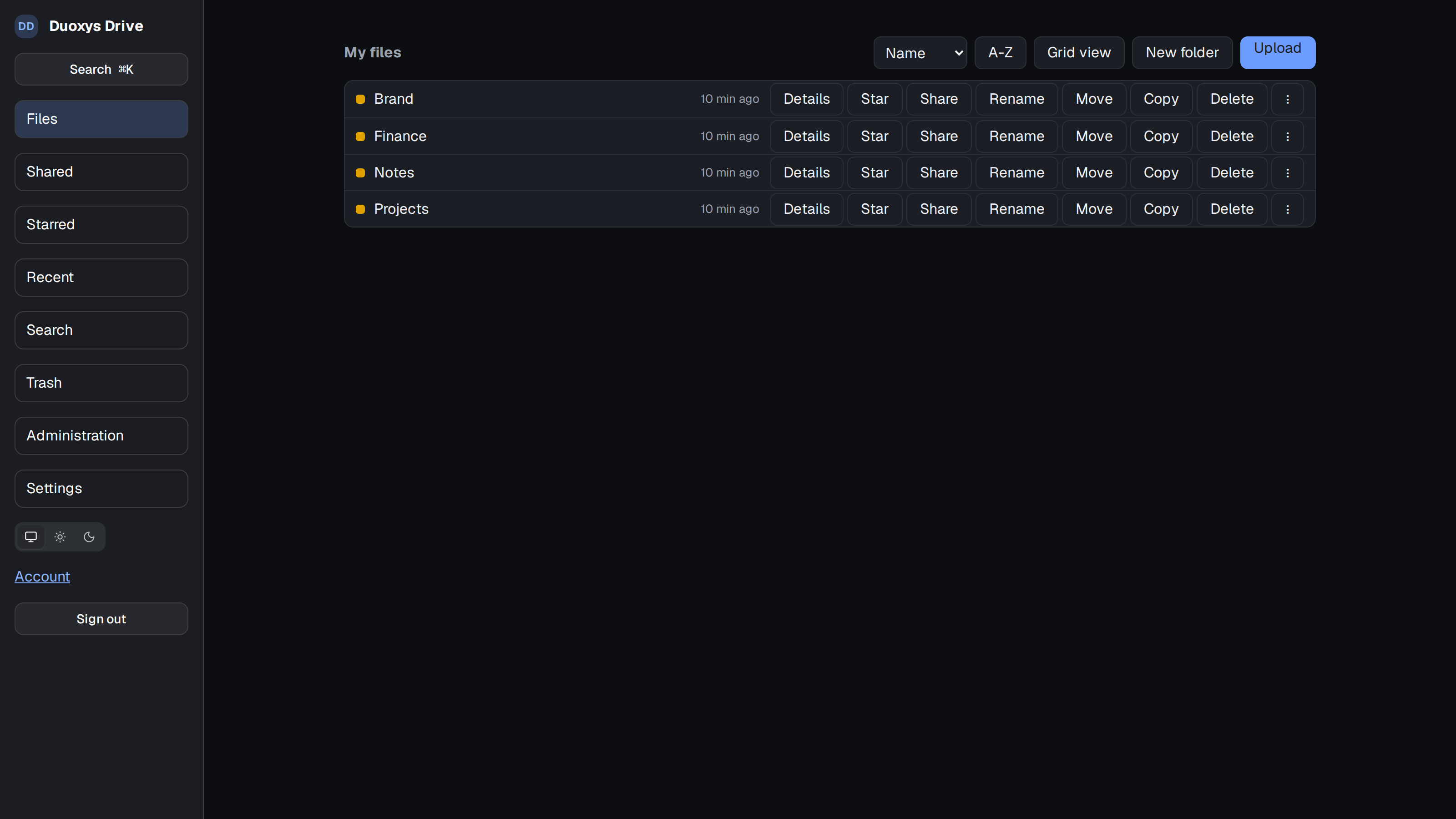
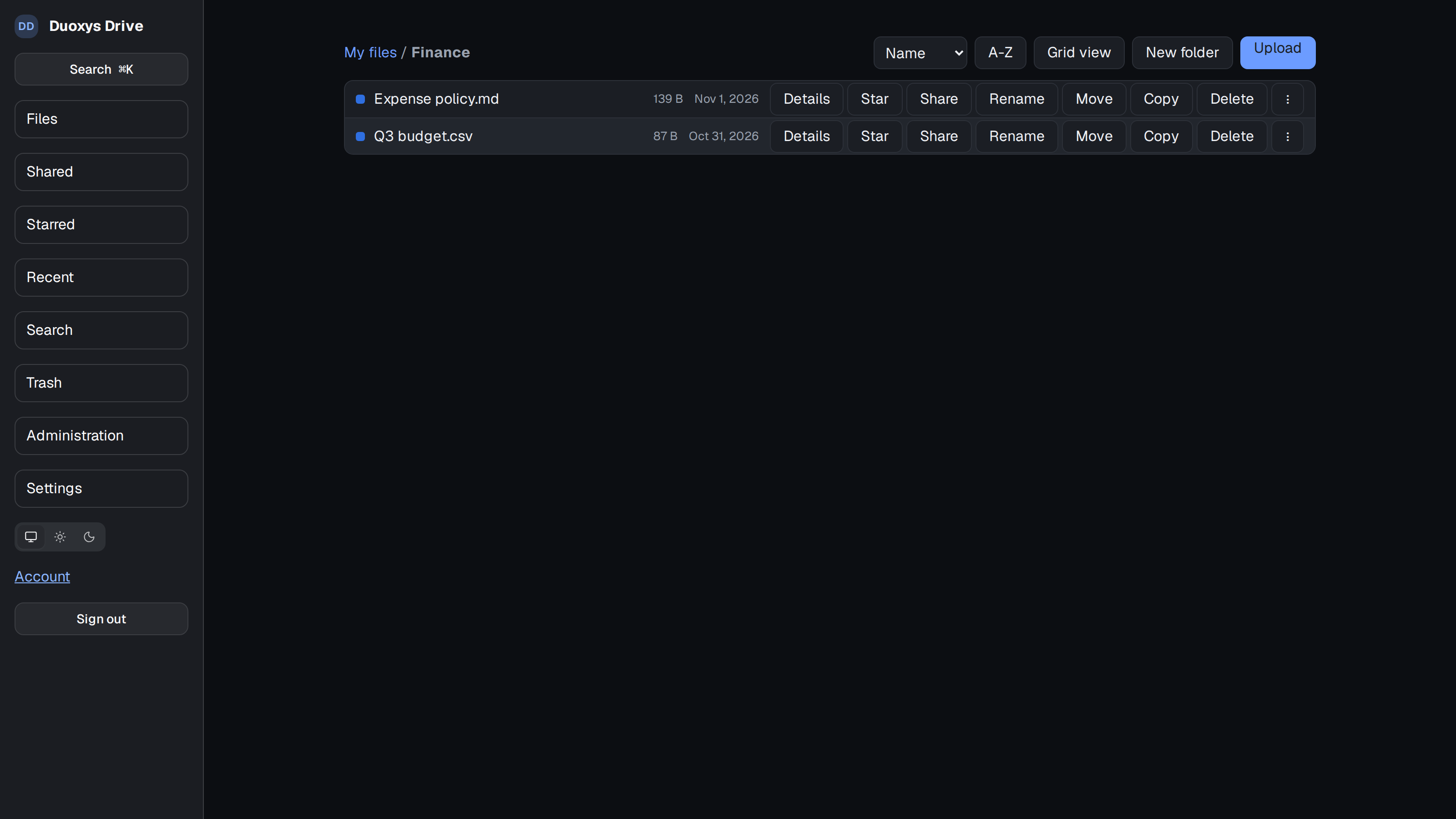
Store shared work, browse folders and preview supported files.
Duoxys Drive gives teams a shared place to store, organize and share files. Work with folders, previews and file versions, and choose how people get access—from team membership and invitations to controlled links and file requests.
// product tour
// overview
Files are part of everyday collaboration, but sharing them should not mean losing track of who can see or change them. Duoxys Drive helps teams organize files and folders, keep versions, recover deleted items and share access with people inside or outside the organization.
Drive is self-hosted and AI-free. Its documented design includes S3-backed storage with app-level encryption, optional malware scanning, configurable quotas and backups that include database and blob recovery.
// capabilities
Store shared work, browse folders and preview supported files.
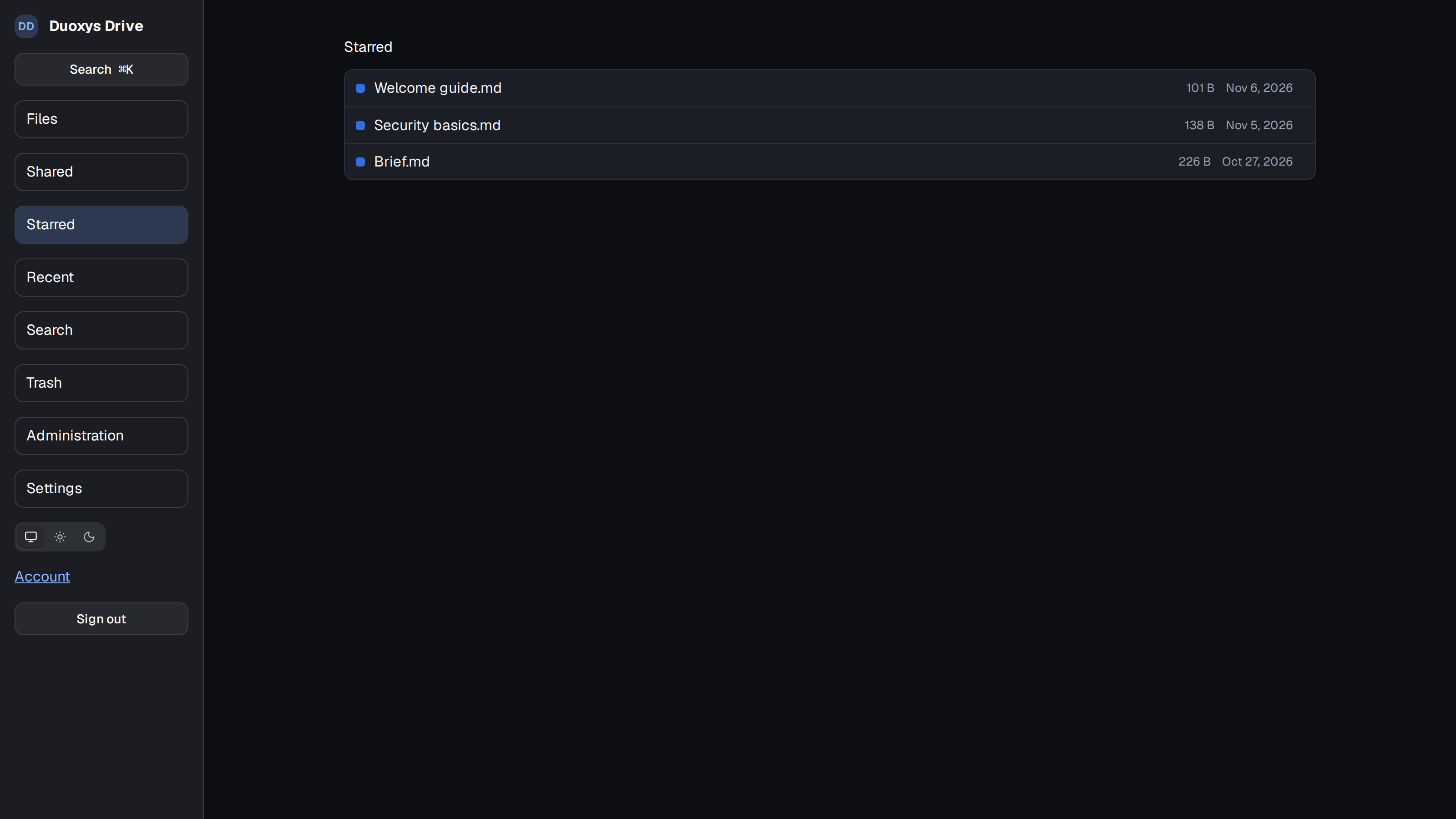
Use file versions and trash to recover or restore work.
Grant access to individuals or groups, invite guests and control roles.
Configure link expiration, passwords, download limits and revocation where enabled.
Create file requests as upload-only drop boxes, without exposing existing folder contents.
Use app-level encryption with S3-backed storage and configure malware scanning for uploads.
Viewers can list, preview and download; editors can also upload and organize; managers can manage sharing, links and file requests.
Configure quotas and use database-and-blob backups with restore support.
Drive is documented as AI-free.
// advantage
self-host the drive and configure its storage and backup destinations.
support team folders, personal spaces, guests, expiring shares, public links and file requests.
sharing rules limit what each role can do; guests are restricted from creating further shares or links.
use a shared drive without AI routes or features.
// built for
Duoxys Drive is for organizations that want a self-hosted shared drive with controlled collaboration and clear options for sharing with guests or external contributors.
License · Duoxys Drive
Contact us
// questions
Yes. File requests provide upload-only drop boxes. The person sending files cannot browse existing files in the folder.
Yes. Guests can access items shared with them, subject to the deployment's guest settings, expiry and role limits. Guests cannot create shares or public links.
Public links can be configured with options such as a password, expiry, download limit and revocation. Folder browsing through a link is read-only and limited to scanned files.
No. Duoxys Drive is designed as an AI-free shared drive.
duoxys drive
Organize team files and choose how people can work with them.